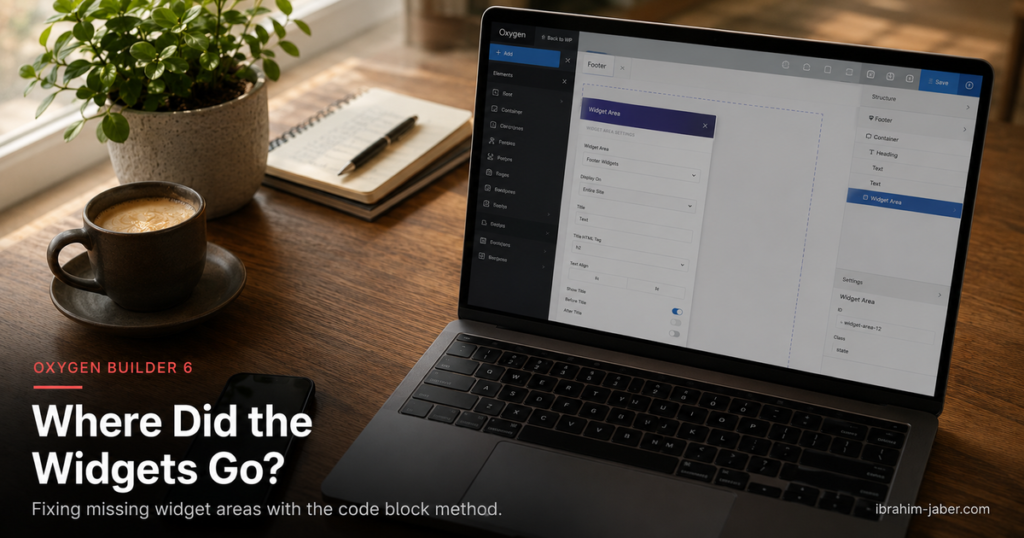
If you are following an older Oxygen tutorial, you might notice a common instruction: "Go to +Add > WordPress > Sidebars." But in Oxygen Builder 6, many users find that the "Sidebars" category is missing entirely. This happens because Oxygen is "Theme-less"—since it replaces the theme, WordPress sometimes doesn't realize you want to use classic widget areas.
Here is the skillful way to register and display custom sidebars in the modern Oxygen environment.
Before Oxygen can display a sidebar, WordPress needs to know it exists. Since you don't have a functions.php (because Oxygen disables your theme), you should use a plugin like Advanced Scripts or Code Snippets to run this PHP:
PHP
<?php
add_action( 'widgets_init', 'register_custom_oxygen_sidebar' );

function register_custom_oxygen_sidebar() {
    register_sidebar( array(
        'name'          => 'Oxygen Custom Widgets',
        'id'            => 'oxygen-custom-widgets',
        'before_widget' => '<div class="widget-wrapper">',
        'after_widget'  => '</div>',
    ) );
}
Once this is saved, you can go to Appearance > Widgets in your WordPress dashboard and you will see your new "Oxygen Custom Widgets" area ready for content.
In Oxygen 6, if the builder doesn't detect a traditional theme structure, it simplifies the +Add menu.
You might see a Widget element, but this usually forces you to pick a single widget (like a search bar or a calendar). If you want to display the entire area you just registered, the standard Widget element feels limiting.
The most reliable way to display a sidebar in Oxygen 6 is to use a Code Block. This bypasses any UI bugs and gives you full control over the HTML wrapper.
PHP
<?php if ( is_active_sidebar( 'oxygen-custom-widgets' ) ) : ?>
    <div id="primary-sidebar" class="primary-sidebar widget-area" role="complementary">
        <?php dynamic_sidebar( 'oxygen-custom-widgets' ); ?>
    </div>
<?php endif; ?>
<div> if the sidebar actually has widgets in it (preventing empty white space).| Method | Best Used For... | Why? |
| Widget Element | Single Items | Best for placing one specific tool (like a Search bar). |
| Shortcode Element | Quick Fixes | Good if you use a plugin that provides a sidebar shortcode. |
| Code Block | Complete Sidebars | Recommended. The most stable way to render a full Widget Area in Oxygen 6. |
Export to Sheets
Oxygen Builder 6 gives us more power, but it requires us to be a bit more intentional with how we handle "legacy" WordPress features like Sidebars. By registering your own area and calling it via a Code Block, you create a future-proof setup that won't break during the next update. Once Oxygen Builder Dev's make a fix this will surely become redundant. After creating add widgets from the appearance > Customize screen which gives somewhat a tolerable control.
You must be logged in to post a comment.
