n8n is a free, open-source workflow automation tool that connects the apps you already use and lets them handle repetitive work for you, with little or no code. You build an automation by dragging "nodes" onto a visual canvas and joining them in the order you want them to run. A trigger in one app can then move data into another, send a message, or update a spreadsheet on its own. For a beginner, the fastest way to learn n8n is to build one small, real workflow from start to finish. This guide walks you through exactly that, with two examples you can copy today.
The timing is good. In October 2025, n8n raised a 180 million US dollar Series C at a 2.5 billion dollar valuation, reported six times user growth in a year, and passed 150,000 GitHub stars. That momentum matters for a learner in Dhaka or anywhere else, because it means an active community, steady updates, and a skill the market is actively paying for. This guide keeps a global lens but pays special attention to how automation fits Bangladesh's freelancers and small online sellers.
Key takeaways
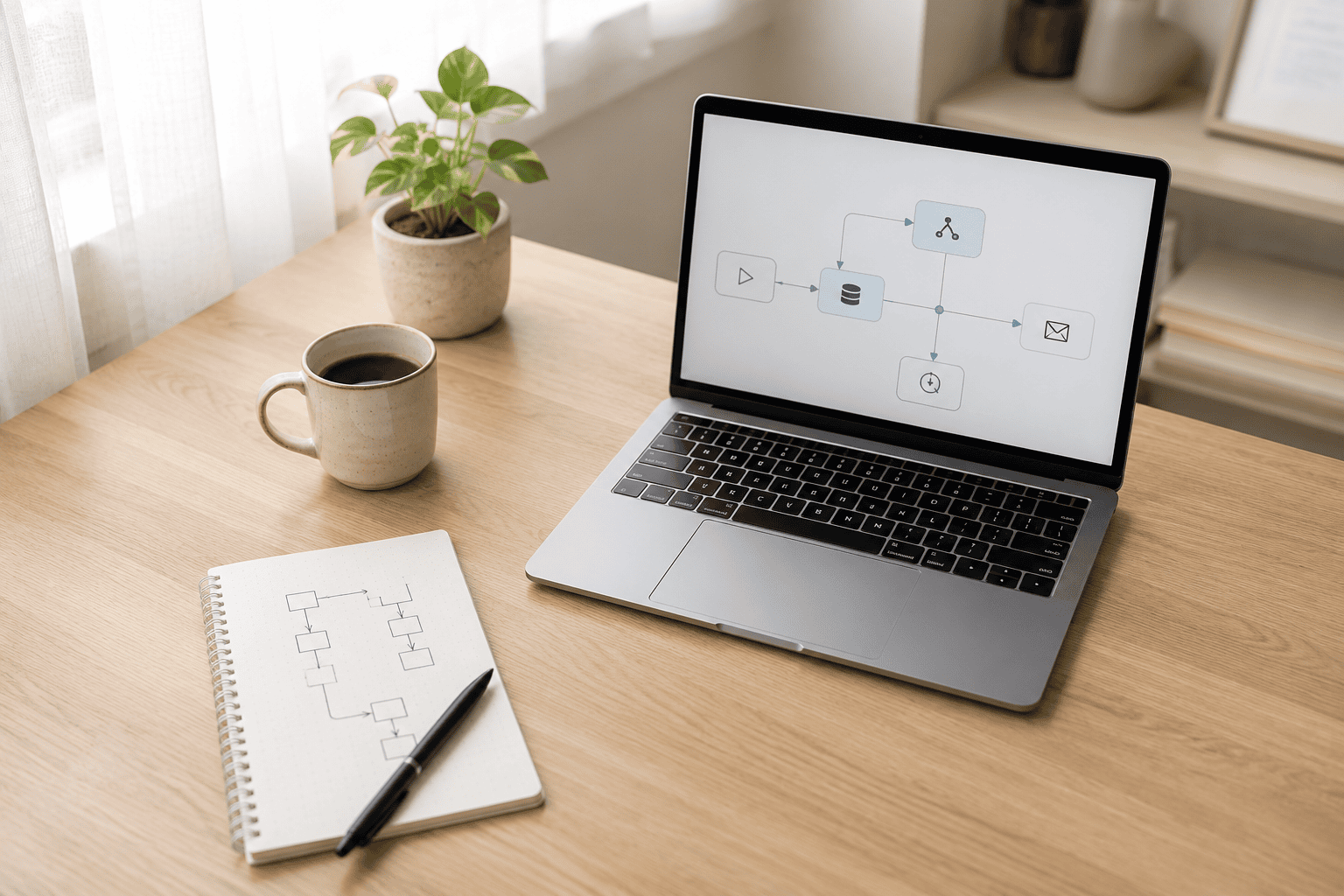
n8n (pronounced "n-eight-n", short for "nodemation") is a workflow automation platform you can use through a web browser. A workflow is a sequence of automated steps that runs without you touching it once you have set it up. Instead of writing a program, you place nodes on a canvas and connect them with lines, and the data flows from left to right through those connections.
It sits in a category called iPaaS, short for integration platform as a service, which simply means software whose job is to make other software talk to each other. However, the difference that matters for beginners is this: n8n is open-source and can be self-hosted, so you can run the full tool for free on your own computer or a small server. By contrast, most competitors are cloud-only and charge per task once you pass a small free tier. Therefore, for a learner watching costs, that difference is the whole point.
Two forces make this a smart skill to pick up now. The first is money moving into the space. The integration platform market was worth about 15.6 billion US dollars in 2025 and is forecast to reach roughly 108.8 billion by 2034, a compound annual growth rate of 24.2 percent, according to Fortune Business Insights. In fact, tools do not attract that kind of spending unless businesses are buying, and businesses that buy tools need people who can run them. As a result, the skill has a clear market value, not just a hobbyist appeal.
The second force is the work itself. McKinsey estimated in November 2025 that about 57 percent of work hours in the United States could be automated with technology that already exists, while fewer than 5 percent of jobs can be fully automated. Read those two numbers together and the message is clear: automation rarely deletes a whole job, but it can lift the repetitive hours out of almost any job. n8n is one of the most direct ways to capture those hours yourself.
In my experience teaching this, three ideas cover almost everything you will do as a beginner. Learn these and the interface stops looking intimidating.
A node is a single step in a workflow. Each node does one job: read a new email, add a row to a Google Sheet, send a Telegram message, or ask an AI model to write a reply. You configure a node once by filling in a short form, and it runs the same way every time.
A trigger is the special node that starts the workflow. It answers the question "when should this run?". Common triggers are a schedule (every morning at 9), a new record in an app (a fresh form submission), or a webhook, which is a unique web address that other services can ping to kick off your workflow instantly. Every workflow begins with exactly one trigger.
Finally, a connection is the line you draw from one node to the next. It carries the data forward, so the email address captured by your trigger is available to the node that sends a message later in the chain. In other words, if you can describe a task as "when X happens, do Y, then Z", you can already picture it as an n8n workflow.
Here is the classic first workflow, and the one I hand new team members. In my experience, it is useful on day one, and it teaches the trigger-and-action pattern that everything else builds on. The goal: when someone submits your contact or lead form, log them in a spreadsheet and ping you instantly so no enquiry slips through.
The workflow has three nodes, connected in a line:
That is a complete, genuinely useful automation, and it runs forever once switched on. In my experience, when I set this up for small teams, the reaction is always the same: the relief of knowing nothing gets lost is worth more than the minutes it saves. So build this one first, watch it fire, and the tool clicks into place.
Bangladesh runs a huge Facebook-based commerce scene, where thousands of small sellers take orders through Messenger, comments, and forms. That is a perfect fit for automation, because order-taking is repetitive and messages get missed at busy times. Here is a workflow that handles a new order without a developer.

As a result, one free workflow gives every customer an instant, professional reply while your team gets a tidy order list. Moreover, the same pattern adapts to a service business: swap "order" for "booking" and the confirmation goes to a client instead. This is the everyday, revenue-adjacent automation that basic automation tools were built for, and n8n does it for free once you self-host.
n8n comes in two flavours, and the right choice depends on your budget and your comfort with a little setup.
| n8n Cloud | Self-hosted (free) | |
|---|---|---|
| Cost | Paid monthly plan, free trial | Free software; you pay only for a server if you use one |
| Setup | None, sign up and start | Install once with Docker or npm |
| Maintenance | Handled for you | You run updates and backups |
| Best for | Fast start, no technical fuss | Learners and freelancers keeping costs near zero |
In short, my advice for most beginners in a cost-sensitive market is this: start on the free trial or a free local install to learn the ropes, then self-host once you are building workflows you rely on. Meanwhile, running n8n on your own laptop is enough to learn everything in this guide, and it costs nothing.
Bangladesh has one of the world's largest online-work forces, with an estimated 650,000 active freelancers. Alongside that, IT and IT-enabled service exports reached about 724.6 million US dollars in the 2024-25 financial year. At the same time, 77.7 million people are online, about 44.5 percent of the population. As a result, the local base of small businesses that could use automation is growing every year.

The demand signal is just as strong globally. Upwork's In-Demand Skills 2026 report found that demand for the top AI skills more than doubled year over year, with AI integration and automation work among the fastest-climbing categories. For example, a freelancer who already competes on price can add a concrete automation skill like n8n and compete on value instead, offering clients a working system rather than another set of hours. That shift, from selling time to selling outcomes, is the core of a wider digital transformation that local businesses are only beginning.
Be honest with yourself about two milestones, because confusing them is how people quit in week one. A first working automation is an afternoon of effort: the three-node example above is genuinely that quick. However, real fluency, where you reach for n8n without thinking and can debug a stuck workflow, takes two to six weeks of regular building. Notably, the gap is not difficulty, it is reps. Each workflow you finish makes the next one faster, so the fastest route through the curve is to build many small automations rather than one ambitious one.
Most small teams do not need more tools. They need the right first workflow and a clear map of what to automate next. As a consultant who builds these systems, I map a team's repetitive processes and pick the handful worth automating. Then I build the n8n workflows end to end, from a simple lead-capture flow to AI-assisted automations tied into the tools you already run. It is the first of my AI and workflow automation services, and usually the fastest to pay for itself. If you want to stop losing hours to copy-and-paste work, you can see examples in my portfolio or get in touch to talk through your first automation.
Yes. n8n is open-source and the self-hosted version is free to run on your own computer or server, so you only pay for hosting if you choose to use a server. There is also a paid n8n Cloud plan that removes all setup and maintenance, plus a free trial. For learning, the free self-hosted version covers everything a beginner needs.
No. You build most workflows visually by adding nodes and filling in short forms, with no programming required. n8n does let you drop into JavaScript or Python for advanced steps, but that is optional. Many useful automations, including lead capture and order confirmations, use no code at all.
All three connect apps and automate tasks, but n8n is open-source and can be self-hosted for free, while Zapier and Make are cloud-only and charge based on how many tasks you run. That makes n8n especially attractive for freelancers and small teams who want to keep costs low or keep their data on their own server. The trade-off is that self-hosting asks for a little setup.
Build a three-node workflow that captures form submissions: a webhook trigger receives the submission, a Google Sheets node logs it as a row, and a Telegram or email node sends you an instant alert. It is useful from day one and teaches the trigger-and-action pattern every other workflow relies on. You can finish it in an afternoon.
You can build your first working automation in an afternoon. Reaching real fluency, where you build and debug workflows comfortably, usually takes two to six weeks of regular practice. The fastest way through is to build many small automations rather than one large one, because each finished workflow makes the next quicker.
You must be logged in to post a comment.
