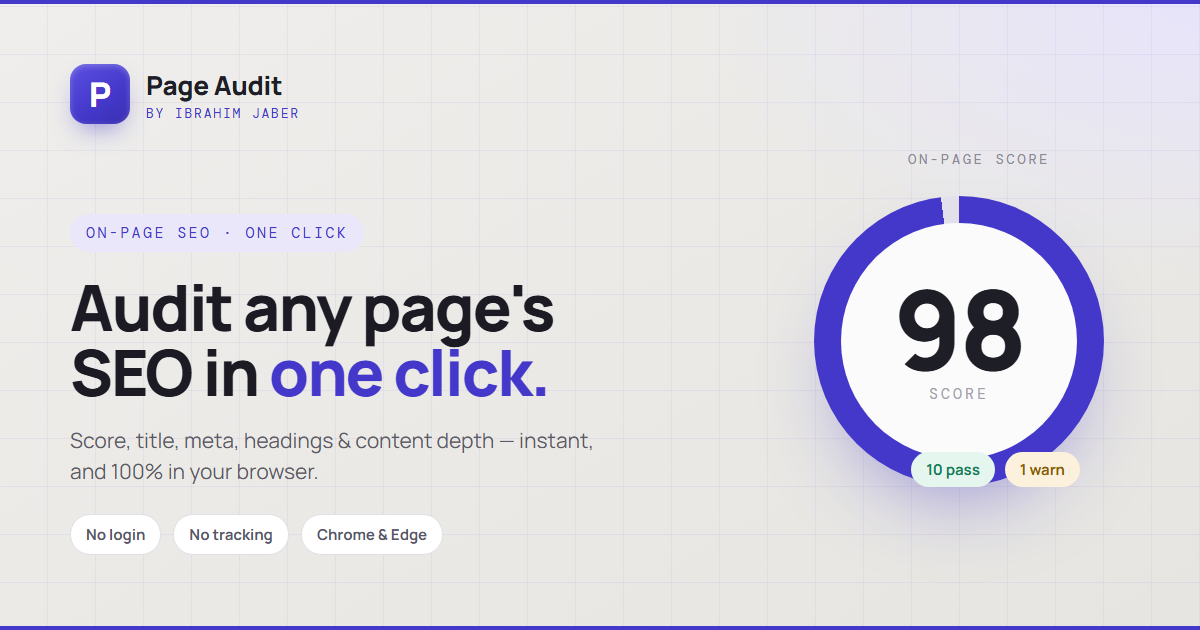
Page Audit is a Chrome extension that runs an instant on-page audit of any URL — checking SEO fundamentals, performance signals, and accessibility basics — and surfaces every issue in a clean panel without ever leaving the tab.
Auditing a client page usually means bouncing between four or five browser tabs — one SEO tool, one speed tester, one meta-tag inspector, one accessibility checker — then stitching the findings together by hand. During technical audits I was doing this dozens of times a week, and most of it was the same repetitive lookups.
Page Audit collapses that whole ritual into a single button in the browser toolbar. Open any page, click the icon, and get a structured breakdown of what's right, what's missing, and what's actively hurting the page — in the time it takes to read a headline.
Title, meta description, canonical, robots, heading hierarchy, alt-text coverage, and Open Graph tags.
Render-blocking resources, image weight, request counts, and Core Web Vitals surfaced via Lighthouse.
Contrast flags, missing labels, landmark structure, and images without descriptive alt text.
Broken internal links, redirect chains, indexability, and structured-data (JSON-LD) presence.
The extension injects a lightweight content script that reads the live DOM of the current tab, then runs each check locally — no page data is sent to any server. Heavier performance metrics are pulled through the Lighthouse engine and normalised into the same scorecard, so SEO, speed, and accessibility all read on one consistent scale.
What used to be a five-tab, several-minute routine is now a single click. Page Audit turned the most repetitive part of every technical audit into an instant, repeatable step — and made it easy to hand clients a clear, jargon-light snapshot of exactly what to fix on any given page.
