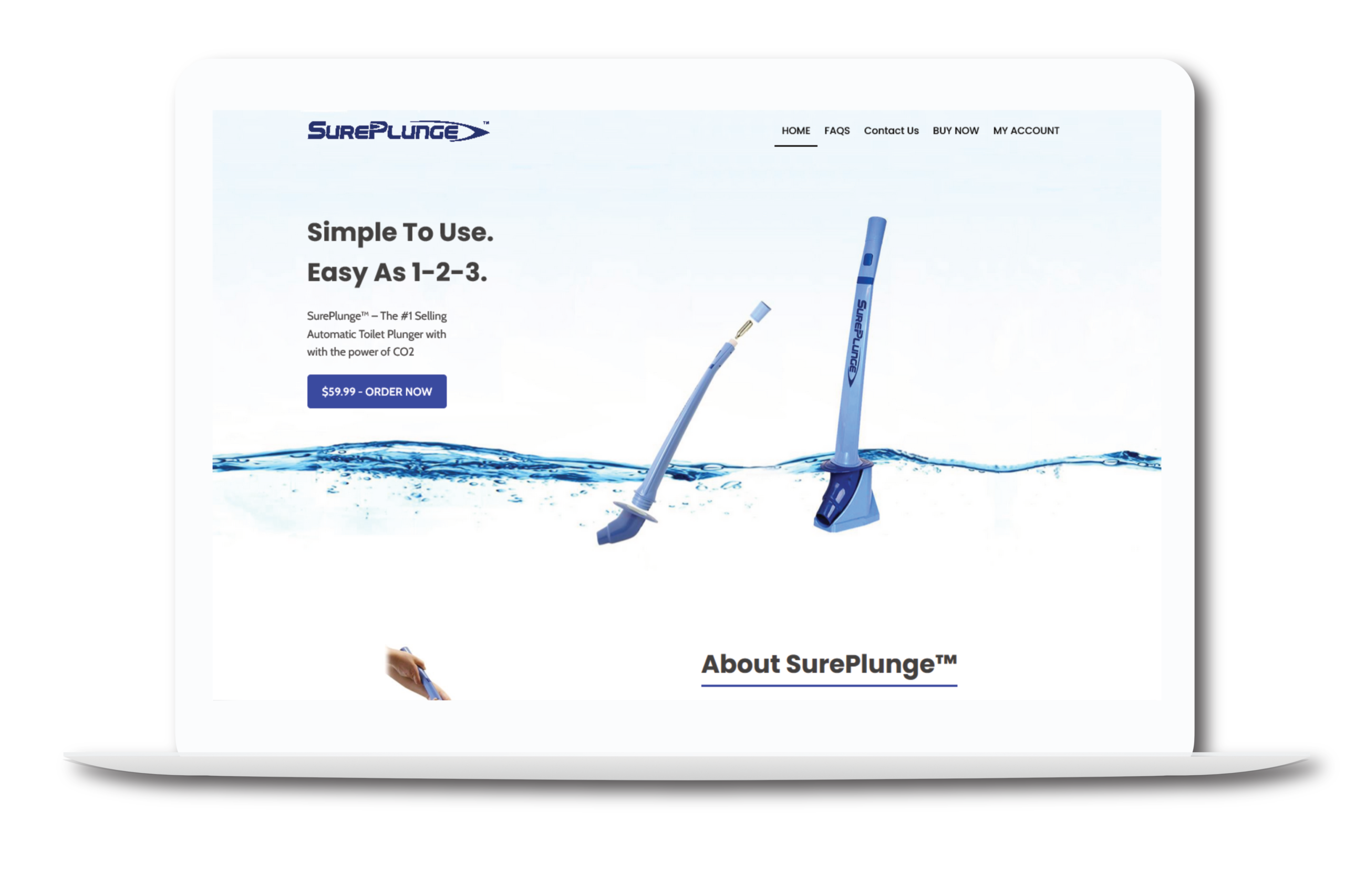
Google is direct about this one: "301 and other permanent redirects don't cause a loss in PageRank" (Google Search Central, ongoing guidance). That single sentence is the reason a 2020 rebuild of SurePlunge, a North Carolina-based DTC brand selling a CO2-powered automatic toilet plunger, didn't cost the site its rankings. The task was simple to describe and easy to get wrong: move the WordPress site off a basic page builder and into Oxygen Builder Classic, rebuild every template to match, and don't lose the SEO the site already had.
Key Takeaways
- Google's own migration guidance states permanent redirects "don't cause a loss in PageRank," but the same documentation warns against changing layout and URLs at the same time (Google Search Central).
- Before Google's 2016 policy clarification, SEOs assumed each redirect hop cost roughly 15% of link equity, meaning a 4-hop chain could lose close to 38% (Ahrefs, 2025).
- Keeping every URL identical during the SurePlunge rebuild meant zero redirects were needed at all, which sidesteps that risk entirely rather than managing it.
- The full Bold Builder to Oxygen Builder Classic migration took 2 to 4 weeks across roughly five core templates.
Most site rebuilds fail for a boring reason: too many things change at once. Ritner Digital's analysis of post-redesign traffic drops found that sites with only a handful of changed URLs and few backlinks see a "modest traffic dip," while sites where hundreds of URLs shifted can lose "the majority of its organic traffic" (Ritner Digital, 2025). A page builder swap doesn't have to touch a single URL, but it usually does, because most agencies rebuild the site structure and the visual layer in the same pass.
That's the exact trap the SurePlunge project was built to avoid. The site's original structure, a handful of core pages under a basic drag-and-drop builder, was small enough that every template could be audited by hand before touching a single line of markup. Five main templates carried the whole site: the long-scroll home page, FAQs, Contact, the Buy Now / Shop flow, and the My Account area with its WooCommerce sub-templates.
Google's guidance is blunt about why bundling changes is risky: "change only one thing at a time," moving to a new setup first and adjusting layout second, specifically so a ranking dip can be traced to a single cause instead of three (Google Search Central, ongoing). That single line shaped the entire approach to this migration.
The fix wasn't clever, it was disciplined: every permalink on the new Oxygen Builder Classic site matched the old one exactly. Home stayed home, /faqs/ stayed /faqs/, and the Buy Now flow kept its existing path. No slug changes meant no redirect map, no redirect chains, and none of the "which page replaced which" guesswork that turns a rebuild into a months-long recovery project.
That decision also sidesteps a debate that's mostly historical noise now. Ahrefs notes that before 2016, SEOs treated each 301 hop as a roughly 15% link-equity tax, so a page redirected four times in a row could lose close to 38% of its authority (Ahrefs, 2025). Google's later clarification means a single clean redirect isn't the liability it used to be, but a site with zero redirects never has to rely on that clarification in the first place.
Rebuilding Every Template in Oxygen Builder Classic
Recreating a layout pixel-for-pixel in a different builder is slower than building from scratch, and that's the part clients rarely budget for. Every section on the home page, the hero, the "How It Works" steps, the safety explainer, the "What's Included" list, had to be rebuilt in Oxygen using its own structure, then checked side-by-side against the original until spacing, type, and breakpoints matched. Skipping that comparison step is how migrations quietly ship a slightly-different site that still "looks fine" until someone notices the mobile layout broke.

Page builders vary a lot in how much extra weight they add to a page, and that gap is part of why developers move away from basic drag-and-drop tools in the first place. As HubSpot puts it, "plugins are a double-edged sword" on WordPress: heavy themes, custom fonts, sliders, and fade-in effects are common culprits behind slow pages (HubSpot, updated January 2025). Oxygen Builder Classic's more direct markup output gave this rebuild tighter control over exactly what shipped on each template, without pulling in a framework's worth of unused CSS.
Here's the honest split. What changed: the entire visual layer, the underlying builder, and how every template was assembled. What stayed the same: every URL, every page's core content and product information, and the site's existing search visibility. That split is the whole point. A rebuild that only touches presentation and leaves addressing alone gives Google nothing new to recrawl and re-evaluate at the URL level, which is exactly why the migration guidance treats URL stability as the priority above almost everything else (Google Search Central, ongoing).
Most write-ups about migration SEO focus on how to recover after a redirect mistake. The more useful lesson from this project is upstream of that problem: the cheapest redirect strategy is not needing one. Treating the URL map as a fixed constraint before the rebuild starts, rather than a cleanup task after launch, removes an entire category of risk instead of managing it well.
Anyone planning a similar move should separate two questions that get treated as one: "what should the site look like" and "what should the URLs be." Answer the layout question inside the new builder. Leave the URL question alone unless there's a real reason to change it, like a broken information architecture that's actively hurting users. Google's own advice backs this up directly, since bundling a domain move, a redesign, and a navigation restructure into one launch is what makes a ranking drop impossible to diagnose (Google Search Central, ongoing).
For a small site like SurePlunge, that discipline turned a potentially risky rebuild into a routine one. For larger sites with hundreds of URLs, the same principle scales, it just takes longer to audit every template before the first line of new markup gets written.
Considering a similar migration for your own WordPress site? The Web Development services page has more on how these rebuilds are scoped.
The biggest risk is changing URLs and layout at the same time. Google's own site-move guidance says to change only one thing at a time, because stacking a builder switch with a URL restructure makes it nearly impossible to tell which change caused a ranking drop.
Not since 2016. Google confirms that 301 and other permanent redirects don't cause a loss in PageRank. Before that update, SEOs widely assumed each redirect hop cost roughly 15% of link equity, so redirect chains compounded the damage (Ahrefs, 2025).
Because it stacks variables. Google's site-move documentation explicitly recommends moving to a new setup, then changing layout separately, so any ranking fluctuation can be traced to one cause instead of several at once.
For a small brochure-style site with 5-8 templates, 2 to 4 weeks is a realistic range: a few days of template audit, one to two weeks of rebuilding, then a QA and launch pass. Larger sites with more page types take longer.
Basic drag-and-drop builders generate generic markup and load their own CSS/JS framework on every page, regardless of what a template actually uses. Oxygen Builder Classic outputs closer-to-native WordPress markup, which gives a developer more direct control over structure during a rebuild.
The SurePlunge migration didn't succeed because of a clever SEO trick. It succeeded because the URL map was treated as untouchable from day one, every template was rebuilt against a side-by-side comparison instead of a rough approximation, and the builder swap never got tangled up with a redesign. Google's own guidance points at exactly this discipline: change one thing at a time, and don't make redirects do work that a stable URL structure never needed in the first place.
See the full portfolio for more case studies like this one.
Written by Ibrahim Jaber, Web Developer. Ibrahim builds and rebuilds WordPress sites for small businesses and DTC brands, with a focus on migrations and technical fixes that don't put existing search visibility at risk. More case studies at ibrahim-jaber.com.
Skills demonstrated: This project called for careful legacy-site auditing, rebuilding complex layouts inside Oxygen Builder Classic without a visual design file to work from, and enough hands-on WordPress and technical SEO knowledge to protect the site's existing rankings through a full front-end rebuild. It's the kind of migration work that sits between web development and technical SEO, where a mistake in either direction shows up as lost traffic weeks later.
